Skip to content
← Blog

English draft · translated from the Russian original

I tapped my phone. Claude answered.

In 2025 I put an AI request behind a phone gesture: use the clipboard, or ask for text if it is empty.

AIautomationinterfaces

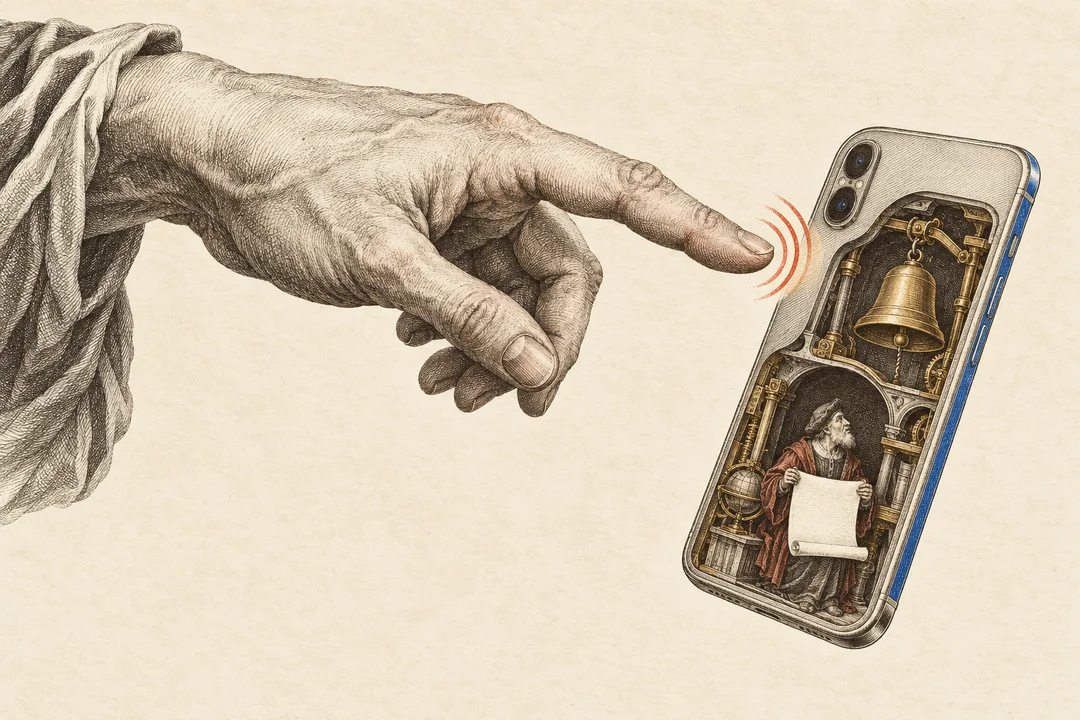
A finger taps the back of a smartphone; a cutaway reveals a tiny bell and a scholar holding a scroll.

I like Apple Shortcuts. In 2025 I made a small automation: tap the back of my phone, send the clipboard to Claude, get an answer. If the clipboard is empty, the Shortcut asks for text.1

The appeal is the short path from something I have already found to a question about it. Copy it, call the assistant. No need to find the right app first, then remember what I meant to bring into it.

The speed was mediocre. I tried different models, including GPT-4o-mini, and the delay seemed about the same. That was my experience, without measurements that would let me identify the bottleneck.

I also found tapping the back of the phone faintly ridiculous. For compatible iPhones, I suggested assigning the Shortcut to the Action Button. The gesture is replaceable; the interesting part is reaching an assistant from the task already in progress.

One small, consequential detail: this automation sends the clipboard to an AI service. Worth remembering before the tap.

Footnotes

  1. The Shortcut description and short video, 2025. ↩

Markdown

I tapped my phone. Claude answered.

With your agent

Read-only MCP ↗
Request for this material

Verify “I tapped my phone. Claude answered.”: https://shipulin.md/en/blog/ai-on-a-tap/ Use the read-only shipulin MCP overview tool with lang="en". Match the exact URL path "/en/blog/ai-on-a-tap/", then call read_content with that entry's id and the same language. Which task does the proposed automation remove, and which might it only hide behind the interface? Separate the idea from evidence of its usefulness. State what the published material supports and what still needs verification. For numbers, check the period and basis. If linked sources have not been read, say so; do not present their contents as verified.

---
title: "I tapped my phone. Claude answered."
description: "In 2025 I put an AI request behind a phone gesture: use the clipboard, or ask for text if it is empty."
date: 2026-10-19
lang: en
translationKey: "ai-on-a-tap"
translationStatus: machine
tags: ["AI", "automation", "interfaces"]
related: ["photo-tinder", "voice-message-preview", "bot-voyage"]
sourceUrls: ["https://t.me/Shipao/2227"]
canonical: "https://shipulin.md/en/blog/ai-on-a-tap/"
---

I like Apple Shortcuts. In 2025 I made a small automation: tap the back of my phone, send the clipboard to Claude, get an answer. If the clipboard is empty, the Shortcut asks for text.[^post]

The appeal is the short path from something I have already found to a question about it. Copy it, call the assistant. No need to find the right app first, then remember what I meant to bring into it.

The speed was mediocre. I tried different models, including GPT-4o-mini, and the delay seemed about the same. That was my experience, without measurements that would let me identify the bottleneck.

I also found tapping the back of the phone faintly ridiculous. For compatible iPhones, I suggested assigning the Shortcut to the Action Button. The gesture is replaceable; the interesting part is reaching an assistant from the task already in progress.

One small, consequential detail: this automation sends the clipboard to an AI service. Worth remembering before the tap.

[^post]: [The Shortcut description and short video, 2025](https://t.me/Shipao/2227).

Plain text, ready for your notes or agent.